Business Process Automation

AI automation in 2026 helping businesses reduce costs and improve productivity
AI + Digital Transformation

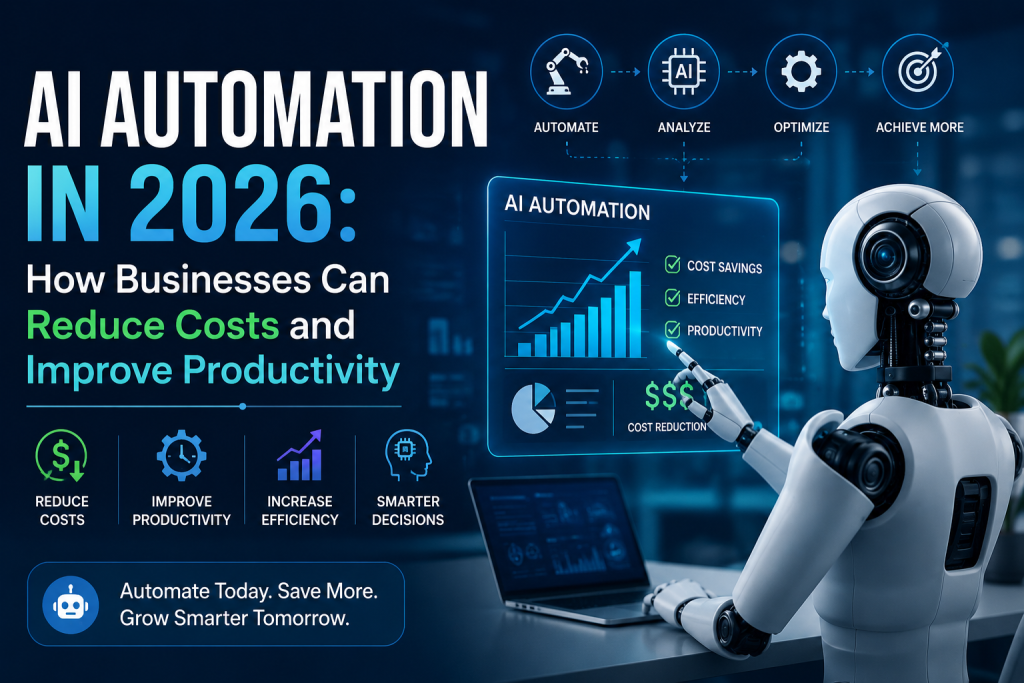
AI Automation in 2026: How Businesses Can Reduce Costs and Improve Productivity

Artificial Intelligence is rapidly changing the way businesses operate. In 2026, AI automation is moving beyond simple chatbots and repetitive task automation. Businesses are increasingly using AI-powered systems to analyze information, automate workflows, assist employees, improve customer experiences, and make faster decisions. For organizations dealing with increasing operational costs, large amounts of data, and repetitive processes, AI automation can provide a practical way to improve efficiency without continuously increasing manual workloads. From customer support and sales to finance, human resources, software development, and business analytics, AI automation is becoming an important part of modern digital transformation. What Is AI Automation? AI automation combines artificial intelligence with automated workflows to perform tasks that traditionally require human intervention. Traditional automation usually follows predefined rules: Input → Rule → Action → Result AI automation can work with more flexible processes: Data → AI Analysis → Decision → Automated Action → Evaluation This allows automated systems to handle information, identify patterns, make recommendations, and trigger appropriate actions based on changing situations. For example, a traditional workflow might automatically send the same email to every new customer. An AI-powered workflow could analyze customer information, identify their interests, personalize the message, update the CRM, and schedule a follow-up automatically. This makes AI automation more adaptable to modern business processes. Why AI Automation Matters in 2026 Businesses are under constant pressure to improve productivity while controlling operational costs. Employees often spend significant amounts of time performing repetitive activities such as: Entering data Responding to routine emails Updating CRM systems Preparing reports Scheduling meetings Processing documents Answering common customer questions Monitoring business metrics Managing repetitive administrative workflows AI automation can reduce the amount of manual work involved in these processes. The goal is not simply to automate everything. Instead, businesses can use AI to automate suitable tasks while allowing employees to focus on activities that require creativity, strategic thinking, communication, and human judgment. Some major benefits include: Reduced repetitive work Improved employee productivity Faster business processes Lower operational overhead Faster customer responses Better data utilization Improved decision-making Scalable workflows 24/7 automated operations How AI Automation Helps Businesses Reduce Costs Reducing costs does not always mean reducing employees. In many cases, businesses can reduce operational costs by improving how existing resources are used. AI automation can help organizations achieve this in several ways. 1. Reduce Repetitive Manual Work Employees can spend hours performing repetitive tasks that follow predictable patterns. AI automation can handle many of these processes automatically. For example: Manual Process: Employee receives request → Reads information → Updates system → Sends response → Creates follow-up task Automated Process: Request received → AI analyzes request → System updated → Personalized response sent → Follow-up created This allows employees to spend more time on higher-value work. 2. Improve Operational Efficiency Manual processes often involve multiple systems and departments. For example, processing a new customer may require information to be entered into: CRM Email platform Accounting system Project management software Customer support platform Analytics system AI automation can coordinate these systems and reduce unnecessary manual data entry. 3. Reduce Errors Manual data entry and repetitive processing can result in mistakes. AI-powered workflows can validate information, identify inconsistencies, and trigger alerts when something requires human attention. This can help reduce the operational cost associated with avoidable errors and rework. 4. Improve Resource Utilization Businesses can use automation to handle routine processes while employees focus on more complex responsibilities. Instead of hiring additional resources for every increase in workload, organizations can automate suitable processes and scale operations more efficiently. 5. Provide 24/7 Support AI-powered systems can operate outside normal business hours. Customer questions, internal requests, monitoring activities, and other automated processes can continue even when employees are unavailable. This can improve service availability without requiring a larger support team to work around the clock. How AI Automation Improves Productivity Cost reduction is only one side of AI automation. The larger opportunity is improving productivity. Faster Task Completion AI systems can process large amounts of information quickly and automate workflows that previously required multiple manual steps. Less Administrative Work Employees can spend less time on repetitive activities such as documentation, scheduling, reporting, and data entry. Better Access to Information AI-powered systems can help employees search internal information and retrieve relevant data using natural language. Faster Decision Support AI automation can analyze business information and highlight trends, anomalies, and important changes. This gives teams faster access to information needed for decision-making. Improved Collaboration Automated workflows can notify the right team members, create tasks, update systems, and share information automatically. This reduces delays caused by manual communication between departments. AI Automation in Customer Support Customer support is one of the most practical areas for AI automation. Businesses can use AI-powered systems to handle routine customer interactions and automate support workflows. Common applications include: Answering frequently asked questions Tracking orders Checking account information Creating support tickets Categorizing customer requests Routing issues to the appropriate department Scheduling appointments Providing personalized responses Escalating complex issues to human agents For example, when a customer submits a support request, an AI system can understand the request, retrieve relevant information, categorize the issue, and either provide an answer or route the request to a human support professional. This can reduce response times while allowing support teams to focus on more complex customer problems. AI Automation in Sales and Marketing Sales and marketing teams manage large amounts of customer and prospect information. AI automation can help reduce administrative workloads across the sales process. A sales automation workflow can: Identify potential leads. Collect relevant customer information. Qualify prospects. Update CRM records. Generate personalized outreach. Schedule follow-ups. Notify sales representatives. Track engagement. Generate performance reports. Marketing teams can also use AI automation for: Content planning Audience segmentation Campaign analysis Lead scoring Customer research Trend identification Personalized communication Performance reporting The objective is not to remove human involvement from sales and marketing. Instead, automation can handle administrative tasks so professionals can focus on relationships, creativity, and strategy. AI Automation in Finance and Accounting Finance

AI Agents Transforming Business Operations in 2026
Artificial Intelligence

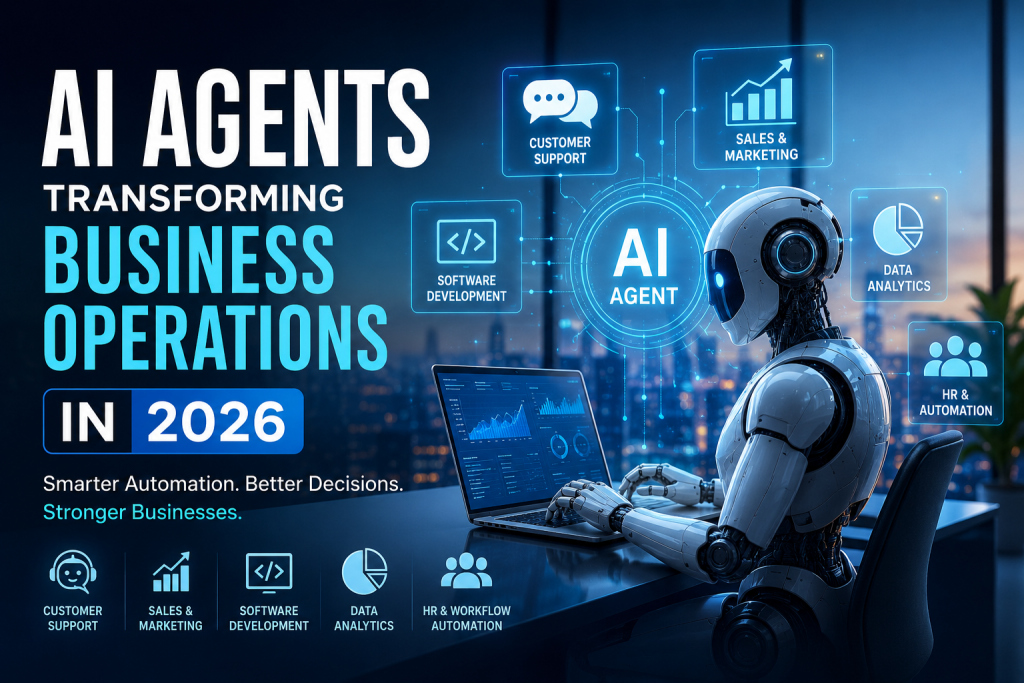
How AI Agents Are Transforming Business Operations in 2026

Artificial Intelligence has moved far beyond chatbots and simple automation. In 2026, businesses are increasingly adopting AI agents that can understand goals, make decisions, use digital tools, and complete multi-step tasks with minimal human intervention. Unlike traditional software automation, which generally follows predefined rules, AI agents can analyze information, determine the next action, interact with different systems, and adapt their approach based on the situation. From customer service and sales to software development, finance, human resources, and data analysis, AI agents are changing how organizations operate and make decisions. For businesses looking to improve productivity, reduce operational costs, and deliver better customer experiences, AI agents are becoming an important part of the modern digital transformation strategy. What Are AI Agents? AI agents are intelligent software systems designed to achieve specific goals by combining artificial intelligence with reasoning, decision-making, and tool usage. Traditional automation generally follows a fixed sequence: Input → Rule → Action → Result AI agents can operate more dynamically: Goal → Analyze → Plan → Use Tools → Take Action → Evaluate → Adapt For example, instead of simply responding to a customer’s question, an AI-powered customer service agent could: Understand the customer’s request. Retrieve relevant customer information. Check an order or account status. Determine the appropriate solution. Update the required system. Respond to the customer. Escalate the issue to a human when necessary. This ability to perform multiple connected tasks makes AI agents particularly valuable for modern businesses. Why AI Agents Matter for Businesses in 2026 Businesses generate enormous amounts of data and perform thousands of repetitive processes every day. Employees often spend valuable time searching for information, updating systems, preparing reports, responding to routine queries, and managing repetitive workflows. AI agents can help automate many of these processes while allowing employees to focus on more strategic and creative work. Some of the biggest advantages include: Higher productivity Faster business processes Reduced repetitive work 24/7 operational support Improved customer experiences Faster decision-making Better utilization of business data Scalable automation The biggest shift is that businesses are moving from simply using AI as an assistant to using AI as an active participant in business workflows. AI Agents in Customer Support Customer support is one of the most practical applications of AI agents. Traditional chatbots usually provide answers based on predefined flows or a limited knowledge base. Modern AI agents can understand context and interact with business systems to resolve more complex requests. An AI customer service agent can: Answer product-related questions Track orders Check account information Handle appointment scheduling Create support tickets Recommend relevant solutions Escalate complex issues to human agents This allows businesses to provide faster support without requiring employees to manually handle every routine request. AI Agents for Sales and Marketing Sales teams spend significant amounts of time researching prospects, updating CRM records, writing emails, and following up with leads. AI agents can automate many of these activities. A sales AI agent can help: Identify potential leads Analyze customer information Qualify prospects Generate personalized outreach Schedule meetings Update CRM systems Track follow-ups Analyze sales performance Marketing teams can also use AI agents to analyze campaigns, generate content ideas, segment audiences, and identify trends. Instead of replacing sales and marketing professionals, AI agents can act as intelligent assistants that reduce administrative work and allow teams to focus on relationships and strategy. AI Agents in Software Development Software development is another area experiencing rapid AI adoption. AI coding assistants are already helping developers generate code, explain existing code, identify bugs, write tests, and improve documentation. AI agents take this concept further by supporting multi-step development workflows. For example, an AI development agent could: Analyze a development requirement. Create an implementation plan. Generate or modify code. Run tests. Identify errors. Suggest fixes. Update documentation. This does not eliminate the need for developers. Instead, it allows development teams to spend more time on architecture, product decisions, security, and complex engineering problems. AI Agents for Data Analysis and Business Intelligence Modern businesses collect data from websites, applications, CRM platforms, financial systems, marketing platforms, and other sources. The challenge is turning this data into actionable insights. AI agents can help business teams interact with their data using natural language. For example, a business manager could ask: “Why did our sales decrease this month?” An AI-powered system could analyze sales data, compare it with previous periods, identify unusual patterns, and present possible reasons. AI agents can support: Automated reporting Data exploration Trend detection Forecasting KPI monitoring Anomaly detection Business recommendations This can make data-driven decision-making more accessible to non-technical teams. AI Agents in Human Resources HR departments handle many repetitive processes, including employee queries, onboarding, documentation, scheduling, and internal requests. AI agents can provide employees with instant access to company information and automate administrative workflows. Common applications include: Employee onboarding Leave and policy queries Internal knowledge management Interview scheduling Candidate screening assistance HR document management Employee support With appropriate security and human oversight, AI agents can help HR teams reduce administrative workloads while improving employee experiences. AI Agents for Business Process Automation One of the most important applications of AI agents is connecting different business systems. A business may use separate platforms for CRM, accounting, email, customer support, project management, inventory, and analytics. AI agents can potentially coordinate workflows across these systems. For example, when a new customer signs up, an automated workflow could: Create CRM record → Send welcome email → Create onboarding task → Notify sales team → Update analytics This type of intelligent workflow automation can reduce manual data entry and improve operational efficiency. AI Agents vs Traditional Automation Traditional automation remains extremely useful, especially when processes are predictable and rules are clearly defined. However, AI agents provide additional flexibility when workflows involve changing information or require reasoning. Traditional Automation AI Agents Rule-based Goal-oriented Fixed workflows Dynamic workflows Predictable inputs Can handle variable inputs Limited decision-making AI-assisted reasoning Usually predefined actions Can select tools and actions Best for repetitive rules Best for complex workflows The two approaches are not

Business, Business Analytics, Technology, Technology & Innovation

Hyperautomation in 2026: Beyond Traditional Process Automation

Hyperautomation in 2026: Beyond Traditional Process Automation Businesses have spent years automating repetitive tasks to improve efficiency and reduce operational costs. Traditional automation solutions, particularly Robotic Process Automation (RPA), have helped organizations streamline rule-based processes such as data entry, invoice processing, customer onboarding, and report generation. While these technologies have delivered significant value, the business landscape of 2026 demands much more than simple task automation. Organizations are now dealing with massive volumes of data, increasingly complex workflows, evolving customer expectations, and growing pressure to make faster decisions. As a result, companies are moving beyond basic automation and embracing hyperautomation—a more advanced approach that combines multiple technologies to automate entire business processes from start to finish. Hyperautomation is no longer a futuristic concept. It has become a strategic priority for organizations seeking greater agility, productivity, and innovation. By integrating artificial intelligence, machine learning, process mining, low-code platforms, intelligent document processing, and robotic process automation, businesses can create intelligent systems capable of learning, adapting, and making decisions with minimal human intervention. Understanding Hyperautomation Hyperautomation refers to the coordinated use of multiple advanced technologies to identify, automate, optimize, and continuously improve business processes. Unlike traditional automation, which focuses on individual tasks, hyperautomation aims to automate complete workflows across departments and systems. Think of traditional automation as teaching a machine to perform one repetitive task. Hyperautomation, on the other hand, creates an ecosystem where different technologies work together to handle complex business operations autonomously. For example, when a customer submits a loan application, a hyperautomation system can automatically collect documents, verify information, assess risk using AI models, perform compliance checks, communicate with the customer, and generate approval decisions. What once required multiple employees and several days can now be completed within minutes. The goal is not simply to replace manual work but to create intelligent business operations that continuously learn and improve. Why Hyperautomation Is Gaining Momentum in 2026 Several factors are driving the rapid adoption of hyperautomation across industries. The first is the explosion of enterprise data. Organizations generate vast amounts of structured and unstructured information every day. Processing this data manually is increasingly impractical. Hyperautomation enables businesses to extract insights, make decisions, and execute actions automatically. Another major driver is the growing demand for operational efficiency. Economic uncertainty and competitive markets are forcing organizations to do more with fewer resources. Hyperautomation helps reduce costs while improving speed and accuracy. Customer expectations have also evolved significantly. Modern consumers expect instant responses, personalized experiences, and seamless service. Businesses that rely solely on manual processes struggle to meet these expectations consistently. Additionally, advances in artificial intelligence have made intelligent automation more accessible than ever before. AI models can now understand language, analyze documents, recognize patterns, and generate recommendations with remarkable accuracy. Together, these factors are pushing businesses toward a new era of automation where machines not only execute tasks but also support decision-making and continuous optimization. Key Technologies Powering Hyperautomation Hyperautomation is not a single technology. It is a combination of several powerful tools working together. Artificial Intelligence and Machine Learning AI and machine learning provide the intelligence behind hyperautomation. These technologies allow systems to analyze data, identify patterns, make predictions, and improve performance over time. In customer service, AI can classify support requests, suggest responses, and route inquiries to the appropriate departments. In finance, machine learning algorithms can detect fraud and assess risk in real time. As AI capabilities continue to evolve, businesses are automating increasingly sophisticated decision-making processes. Robotic Process Automation (RPA) RPA remains a foundational component of hyperautomation. Software bots can perform repetitive tasks such as copying data, updating records, generating reports, and interacting with multiple applications. While traditional RPA focuses on rule-based activities, its integration with AI allows bots to handle more dynamic and complex scenarios. Intelligent Document Processing Businesses process enormous volumes of documents, including invoices, contracts, applications, and compliance records. Intelligent Document Processing uses AI, optical character recognition, and natural language processing to extract, classify, and validate information automatically. This significantly reduces manual document handling while improving speed and accuracy. Process Mining One of the biggest challenges in automation is identifying which processes should be automated. Process mining tools analyze system logs and workflow data to uncover inefficiencies and bottlenecks. Organizations can gain a clear understanding of how work is performed and identify opportunities for automation and optimization. Low-Code and No-Code Platforms Low-code and no-code platforms allow employees with limited programming knowledge to create automation workflows quickly. These platforms accelerate digital transformation by reducing dependency on specialized development teams while encouraging innovation across departments. Conversational AI Chatbots and virtual assistants have evolved dramatically in recent years. Modern conversational AI systems can understand context, provide personalized responses, and complete transactions. Businesses are increasingly using conversational AI to automate customer interactions, employee support services, and internal workflows. How Hyperautomation Differs from Traditional Automation Traditional automation typically focuses on isolated tasks. For example, a software bot might transfer data from one system to another. Hyperautomation takes a broader approach. It connects multiple technologies to automate entire processes from beginning to end. Traditional automation follows predefined rules and struggles when exceptions occur. Hyperautomation incorporates AI-driven decision-making, allowing systems to adapt to changing circumstances and handle more complex scenarios. Another key difference is continuous improvement. Hyperautomation systems monitor performance, identify inefficiencies, and recommend optimizations automatically. This creates a cycle of ongoing enhancement that traditional automation cannot achieve. Real-World Applications Across Industries The impact of hyperautomation extends across virtually every sector. Healthcare Healthcare organizations are using hyperautomation to streamline patient registration, appointment scheduling, insurance verification, medical coding, and claims processing. AI-powered systems can analyze patient records, assist with diagnosis support, and improve administrative efficiency, allowing healthcare professionals to focus more on patient care. Banking and Financial Services Financial institutions face increasing pressure to deliver faster services while maintaining compliance and security. Hyperautomation helps automate loan approvals, fraud detection, customer onboarding, compliance monitoring, and transaction processing. These capabilities reduce operational costs while improving customer experiences. Manufacturing Manufacturers are combining automation, AI, and Internet of Things

enterprise

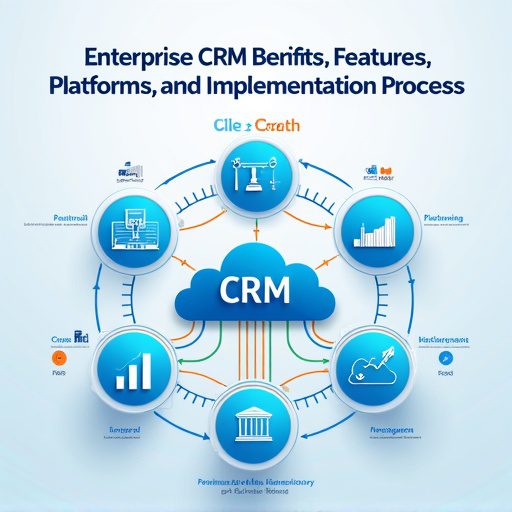
Enterprise CRM Benifits, Features, Platforms, And Implementation Process

Introduction Enterprise CRM (Customer Relationship Management) platforms are powerful tools that transform how large organizations manage customer data, improve engagement, and drive business growth. Below is a detailed blog-style guide, covering benefits, features, leading platforms, and the implementation process, with strategic backlinks to your TechOTD resources. In today’s hyper-competitive marketplace, Enterprise CRM is not merely a software—it’s an integrated approach that centralizes data, automates workflows, and fuels personalized customer journeys at scale. When implemented with advanced technologies like AI and predictive analytics, CRM becomes a strategic driver of efficiency, compliance, and business agility. Discover how AI and tech consulting can elevate CRM on TechOTD’s AI solutions page. Key Benefits of Enterprise CRM 360° View of Customers Enterprise CRM consolidates all customer data—interactions, preferences, support tickets—into a unified dashboard, providing a 360-degree customer profile. This empowers sales, marketing, and support teams to deliver informed, personalized service and anticipate customer needs. Learn how holistic data fuels AI-driven insights on TechOTD’s privacy and AI page. Improved Team Collaboration CRM platforms break down silos, enabling seamless information sharing across sales, marketing, and customer support departments. This unified communication boosts efficiency and ensures everyone works towards common goals. Data-Driven Decision Making Advanced analytics and reporting tools enable data-driven strategies, empowering management to spot trends, forecast sales, and make informed decisions. For a deeper dive into data analytics, visit TechOTD’s predictive analytics feature. Streamlined Sales and Marketing Processes Automation of repetitive tasks—lead tracking, appointment scheduling, follow-ups—lets teams focus on strategic initiatives, shortens sales cycles, and improves productivity. Enhanced Customer Experience CRM software personalizes every touchpoint—recommendations, promotional offers, and support—leading to higher customer satisfaction and loyalty. Explore more on TechOTD’s blog about seamless customer journeys. Compliance and Risk Management Modern platforms are designed to help businesses adhere to data privacy regulations and industry standards, crucial for finance, healthcare, and other regulated sectors. For more insights, read TechOTD’s how we work page. Essential Features of Enterprise CRM Holistic Customer View Provides a consolidated, real-time profile of each customer, tracking every email, call, transaction, and support request. Advanced Automation and AI Automation tools drive efficiency in sales, marketing, and workflows. AI features offer predictive analytics, intelligent recommendations, and chatbots—see TechOTD’s blog on LLMs and AI in customer journeys. Customizable Dashboards and Analytics Enterprises require deep analytics, granular segmentation, and real-time reporting to identify opportunities and mitigate risks. Multichannel Communication Integrated email, chat, phone, and social media support ensure consistent, timely engagement with customers wherever they interact. Security and Compliance Enterprise-grade CRMs offer robust security features: role-based access, encryption, audit trails, and compliance tools for GDPR, HIPAA, and more. Integration and Extensibility APIs and integrations connect CRM with ERP, marketing automation, e-commerce, and legacy systems for seamless data flow across the organization. Top Enterprise CRM Platforms Platform Best For Key Distinction Pricing/Notes [More Info] Salesforce Customization, large-scale deployments Deep modularity, AI, ecosystem From $165/user/mo, AI extra Leading Gartner MQ SAP CRM Integrated ERP-CRM for SAP users Native SAP integration, global Quote-based Oracle CX Large, complex organizations Flexibility, analytics, CX tools Quote-based Microsoft Dynamics 365 Microsoft-centric organizations ERP links, hybrid cloud options Flexible tiers HubSpot Enterprise Quick setup, remote teams User-friendly, marketing-heavy Competitive pricing Zoho CRM Growing enterprises, customization Automated workflows, scalability Lower overall TCO Zendesk Sell Sales and support integration Suited for Zendesk users Per-seat pricing Freshsales AI-driven engagement Fast, contextual interactions Modern UI, flexibility Discover more platforms and business app tips at TechOTD’s industry blogs. The Enterprise CRM Implementation Process 1. Define Strategy and Objectives Start by mapping out business objectives, key performance indicators, and a data strategy. Use TechOTD’s consulting framework to establish clear priorities. 2. Data Migration and Integration Cleanse existing data, de-duplicate records, and plan integrations with core systems (ERP, e-commerce, etc.). Blockchain integration—see blockchain in Dubai business—can add transparency to data migration. 3. Platform Selection and Customization Choose a CRM platform based on scale, industry, compliance, and integration requirements. Custom-build modules as needed, adjusting workflows, triggers, and dashboards for your enterprise’s unique processes. 4. User Adoption and Training Invest in staff training, change management, and cross-departmental workshops. Encourage power users and stakeholders to champion the CRM for maximum adoption. 5. Launch and Ongoing Support Roll out in phases—start with pilot departments, gather feedback, iterate, and expand. Leverage continuous analytics and support for long-term ROI. For best practices in tech project launches, visit TechOTD’s mobile services page. 6. Advanced Optimization Integrate AI-driven analytics, marketing automation, and predictive customer scoring. Review and refine workflows to drive ongoing efficiency. Explore predictive analytics solutions on TechOTD’s featured blog page. Real-World Use Cases Sales Acceleration: Automated lead scoring and next-best actions reduce time-to-close and increase sales. Customer Service Excellence: Omnichannel ticketing and AI-powered chatbots resolve issues faster, improving CSAT. Marketing ROI: Segmentation, journey mapping, and attribution modeling optimize spend and boost conversion rates. Risk & Compliance: Audit trails, consent management, and data protection features mitigate regulatory risk—critical for finance and healthcare. Mobile CRM: Field sales and service reps use mobile apps to access/updating customer data on the go; see TechOTD’s mobile frameworks guide. Conclusion Adopting an enterprise CRM is transformative for large organizations—it centralizes operations, unleashes team potential, personalizes every customer interaction, and future-proofs against changing regulations. For ongoing trends, strategies, and CRM case studies, explore: AI-Powered Enterprise Solutions TechOTD Blogs on Business Technology Customer Journey Mapping with AI Blockchain for Data Integrity How We Work at TechOTD Predictive Analytics for CRM Mobile Solutions and CRM Industry Insights & Platforms

Scroll to Top