

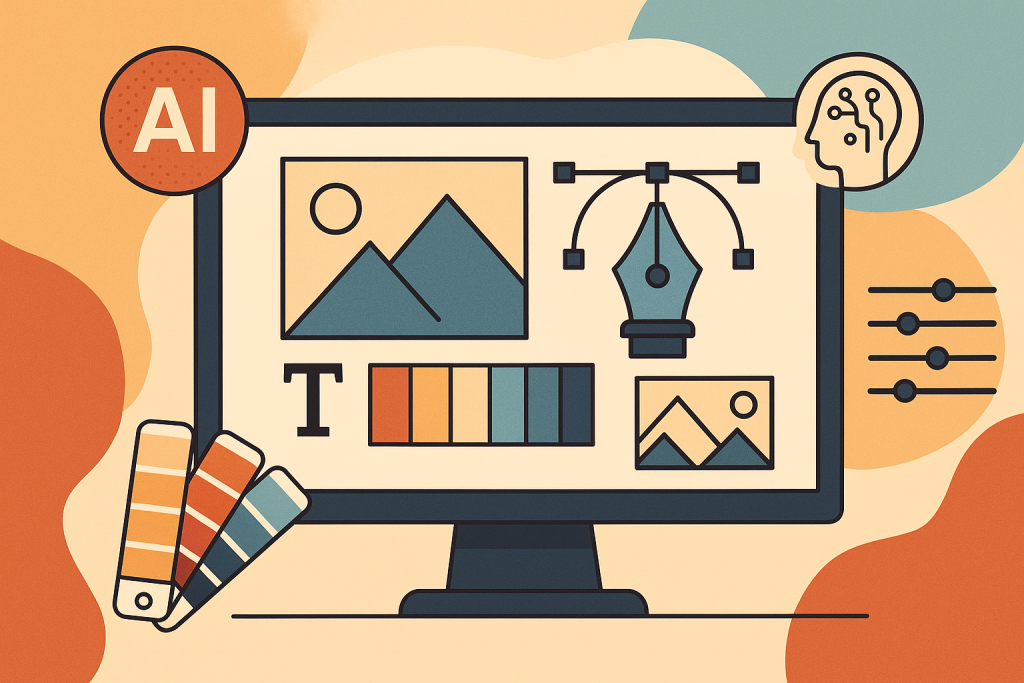
Graphic Designing in the AI World: Creativity Meets Automation
Graphic Designing in the AI World: Creativity Meets Automation Introduction In the rapidly evolving landscape of technology, Artificial Intelligence (AI) is redefining industries, and graphic design is at the forefront of this transformation. Once a domain driven solely by human creativity, graphic design now embraces a synergy of human imagination and AI-driven automation. From generating stunning visuals in seconds to personalizing designs at scale, AI is reshaping how designers work. This blog dives into the profound impact of AI on graphic design, explores the evolving role of designers, and highlights how creativity and automation can coexist to produce innovative, impactful designs. How AI is Transforming Graphic Design AI is revolutionizing graphic design by introducing tools and processes that enhance efficiency and creativity. Here’s how AI is making its mark: Content Co-Creation: Tools like Adobe Firefly, DALL·E, and Canva’s AI features allow designers to collaborate with algorithms, generating initial drafts or variations based on text prompts or design inputs. Personalization at Scale: AI analyzes user data—such as preferences, behaviors, and demographics—to create tailored visuals for marketing campaigns, websites, and social media. Data-Driven Design Suggestions: AI evaluates trends and performance metrics to suggest layouts, color schemes, and typography that resonate with target audiences. Accessibility Enhancements: AI tools recommend inclusive design elements, such as high-contrast color palettes and alt texts, making designs accessible to diverse audiences. Infographic: AI Tools in Graphic Design Image Description: A clean, modern infographic with a tech-inspired design. It features a circular layout with icons representing popular AI tools (e.g., Adobe Firefly, DALL·E, Canva AI). Each icon is connected to a brief description of the tool’s key feature, set against a white background with accents of teal and orange. A central heading reads “AI Tools Powering Design” in bold sans-serif font. Caption: A snapshot of leading AI tools transforming graphic design workflows. Top Benefits of AI in Graphic Designing AI is not just a trend—it’s a game-changer for designers. Below are the key advantages reshaping the industry: Speeds Up Design Workflows: AI automates repetitive tasks like resizing images or generating mockups, allowing designers to focus on high-level creative work. Reduces Repetitive Tasks: Tools like Runway ML and Khroma handle mundane tasks such as background removal or color palette generation, saving hours of manual effort. Enhances Creative Brainstorming: AI generates multiple design variations, sparking inspiration and helping designers explore new creative directions. Supports Real-Time Adjustments: AI-powered platforms enable instant tweaks to layouts, fonts, or colors, streamlining the feedback and revision process. Chart: Time Saved with AI in Design Workflows Image Description: A bar chart with a sleek, minimalist design. The x-axis lists design tasks (e.g., Image Resizing, Background Removal, Mockup Creation), and the y-axis shows hours saved. Each bar is filled with a gradient of blue to green, set against a dark background for contrast. A title at the top reads “Time Saved with AI Tools” in white, bold text. Caption: AI tools significantly reduce time spent on repetitive design tasks. What AI Can’t Replace While AI is a powerful ally, it cannot replicate the human touch that defines exceptional graphic design. Here’s what remains uniquely human: Emotional Intelligence: Humans understand cultural nuances, emotions, and context, enabling them to craft designs that resonate deeply with audiences. Storytelling: Effective design tells a story, weaving brand narratives that AI struggles to replicate authentically. Brand Consistency: Human designers ensure designs align with a brand’s identity, values, and long-term vision, a task that requires intuition and strategic thinking. Empathy: Understanding user needs and creating designs that evoke trust and connection is a distinctly human skill. AI may generate visually appealing options, but it’s the designer’s ability to infuse meaning and purpose that elevates a project from good to unforgettable. The Future Role of Graphic Designers As AI continues to shape the industry, the role of graphic designers is evolving. Rather than being replaced, designers are adapting to new responsibilities: Creative Directors of AI Outputs: Designers oversee AI-generated content, refining and curating outputs to align with project goals. Prompt Engineers for AI Tools: Crafting precise prompts for AI art generators like DALL·E or MidJourney is becoming a critical skill. Strategists for Storytelling and Empathy: Designers focus on high-level strategy, ensuring designs connect emotionally with audiences and align with brand narratives. Challenges of Integrating AI into Graphic Design While AI offers immense potential, it also presents challenges: Learning Curve: Designers must learn to use AI tools effectively, which can be time-consuming initially. Over-Reliance on Automation: Excessive dependence on AI may stifle originality, leading to generic designs. Ethical Concerns: Issues like copyright infringement and the ethical use of AI-generated content are still being navigated. Balancing Creativity and Efficiency: Designers must ensure AI enhances, rather than overshadows, their creative process. By addressing these challenges, designers can harness AI’s power while maintaining their unique creative voice. Conclusion Graphic designing in the AI world is a dynamic blend of human creativity and technological innovation. AI tools like Adobe Firefly, DALL·E, and Canva empower designers to work faster, explore bold ideas, and deliver personalized, accessible designs. However, the heart of design—storytelling, empathy, and cultural awareness—remains a human domain. The future belongs to designers who embrace AI as a creative partner, leveraging its capabilities to amplify their vision. By blending creativity with automation, graphic designers can push boundaries, create impactful visuals, and shape the future of design. Frequently Asked Questions (FAQs) Will AI replace graphic designers? No, AI serves as a tool to assist designers, enhancing efficiency but not replacing the human creativity, emotional intelligence, and strategic thinking essential to design. What are the best AI tools for graphic designers? Popular AI tools include Adobe Firefly, DALL·E, Canva AI, Runway ML, and Khroma, each offering unique features for design automation and inspiration. Is it necessary to learn AI as a graphic designer? While not mandatory, learning AI tools can significantly enhance your skillset, streamline workflows, and make you more competitive in the industry. How is AI improving accessibility in graphic design? AI suggests accessible design elements, such as high-contrast color
