
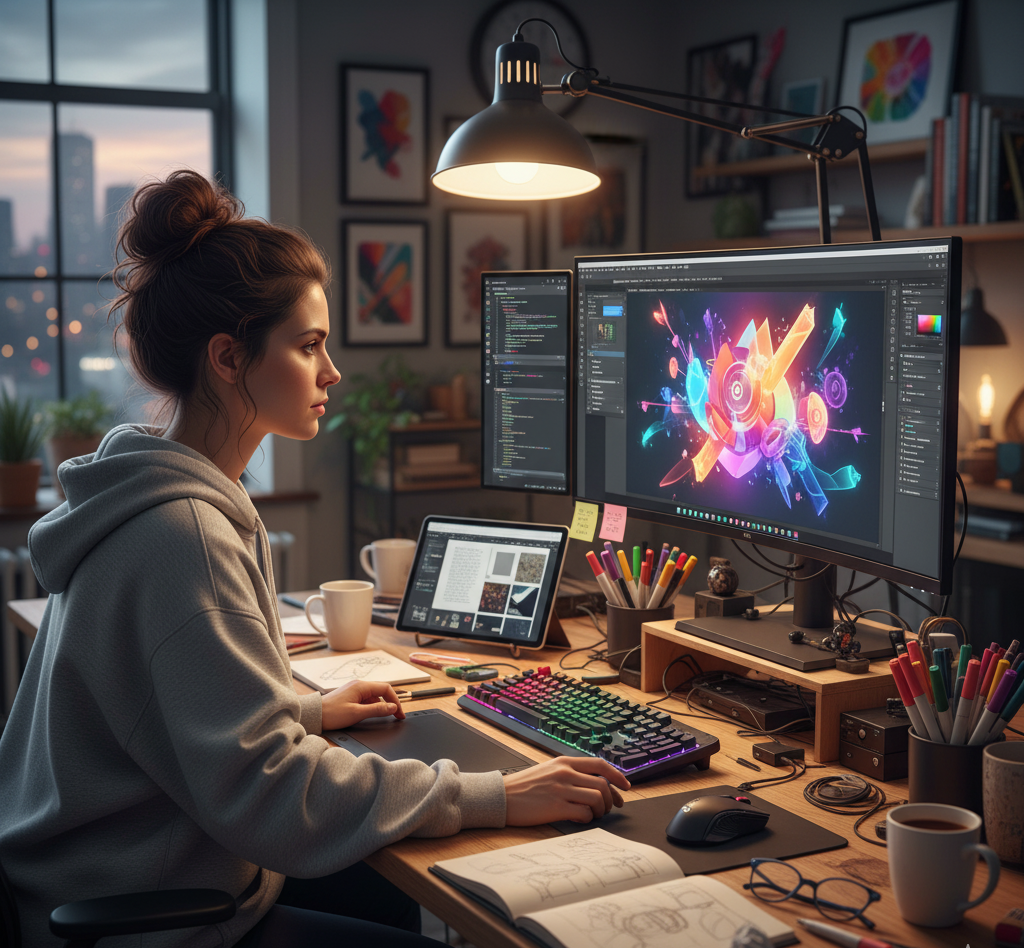
Top 10 Graphic Design Tools Every Designer Should Master in 2025
Introduction In 2025, graphic designing has become more dynamic than ever. The demand for visual content across digital and social media has skyrocketed, and designers need powerful tools to meet these creative challenges. Whether you’re a beginner or a professional, choosing the right tools can transform your workflow and elevate your designs. Here’s a list of the top 10 tools every graphic designer should know in 2025 — covering both premium and free options. Adobe Photoshop Best For: Photo editing and digital artworkWhy Use It: The industry standard for image editing, retouching, and digital compositions.Features: Layers, smart filters, AI-powered selection, and generative fill (AI art creation). Adobe Illustrator Best For: Vector graphics and logo designWhy Use It: Perfect for creating scalable vector designs like icons, illustrations, and branding materials.Features: Pen tool precision, shape builder, gradient mesh, and cloud syncing. Canva Best For: Beginners and social media content creationWhy Use It: Easy drag-and-drop interface, free templates, and collaboration tools.Features: Template library, brand kit, AI background remover, and quick exports. Figma Best For: UI/UX and web designWhy Use It: Real-time collaboration tool ideal for app and web prototypes.Features: Auto layout, components, prototyping, and team collaboration. CorelDRAW Best For: Print and vector illustrationWhy Use It: Excellent for logo creation, brochures, and print layouts.Features: AI-assisted design, vector illustration tools, and color harmony support. Adobe InDesign Best For: Page layout and publishingWhy Use It: Ideal for designing books, magazines, and flyers.Features: Master pages, typography control, and print-ready export. Affinity Designer Best For: Vector and raster design on a budgetWhy Use It: Affordable alternative to Adobe tools with high performance.Features: Dual environment (vector + pixel), non-destructive editing. Procreate Best For: Digital painting and illustration (iPad)Why Use It: Loved by artists for its natural brush strokes and Apple Pencil support.Features: Layered canvas, time-lapse recording, and extensive brush library. Blender Best For: 3D design and motion graphicsWhy Use It: Free and open-source software for modeling, rendering, and animation.Features: 3D modeling, sculpting, VFX, and video editing tools. Sketch Best For: Interface and icon designWhy Use It: Popular among macOS designers for creating high-quality UI/UX assets.Features: Vector editing, reusable components, and plugins for design systems. Tips to Choose the Right Tool Beginners: Start with Canva or Figma. Professionals: Use Adobe Photoshop and Illustrator. Digital Artists: Go for Procreate or Affinity Designer. 3D Enthusiasts: Learn Blender for next-gen design opportunities. Conclusion The right graphic design tool can elevate your creativity, speed, and quality of work. Whether you’re designing a logo, website, or marketing campaign, mastering these tools gives you a strong edge in 2025’s competitive digital landscape. Remember — great design isn’t just about tools, but how creatively you use them. Frequently Asked Questions (FAQs) Q1. Which is the best all-in-one graphic design tool in 2025?Adobe Photoshop remains the most versatile tool for photo editing, digital design, and creative compositions. Q2. Which free tool is best for beginners?Canva and Figma are perfect free tools with user-friendly interfaces and collaboration options. Q3. What software do professionals use the most?Professionals often use the Adobe Creative Suite — mainly Photoshop, Illustrator, and InDesign. Q4. Which tool is best for logo design?Adobe Illustrator and CorelDRAW are ideal for creating vector-based logos that scale perfectly. Q5. What’s the best tool for digital drawing and illustration?Procreate (for iPad users) and Affinity Designer are great for sketching and digital painting. Q6. Can I design 3D graphics using free software?Yes, Blender is a free, open-source tool for 3D modeling, animation, and motion graphics. Q7. How can I learn these tools quickly?Take online courses on YouTube, Skillshare, or Coursera, and practice regularly by recreating real-world projects. Connect with us: