Introduction
In 2025, the role of a frontend developer has become one of the most exciting and creative careers in the tech world. A frontend developer builds everything a user sees and interacts with — from website layouts and animations to responsive buttons and navigation menus.
This guide will help you understand what a frontend developer does, which skills you need, the tools used in 2025, and how to start your career.
What is Frontend Development?
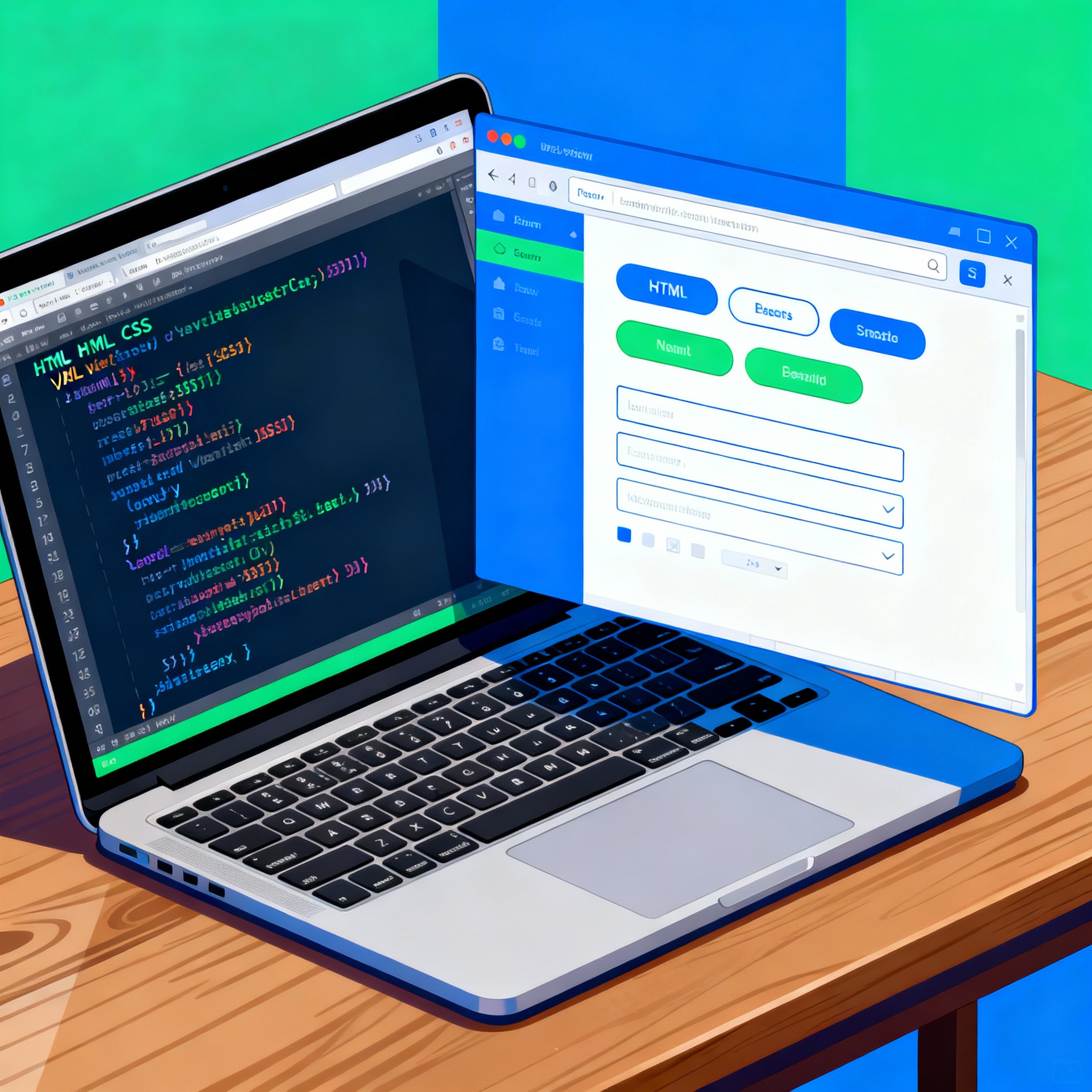
Frontend development, often called the client-side of web development, deals with what users see on the screen. When you open a website, the design, color scheme, buttons, and animations — all are handled by frontend developers.
Their main job is to transform static designs into fully functional, interactive web pages that look great on any device.
Core Technologies You Must Learn
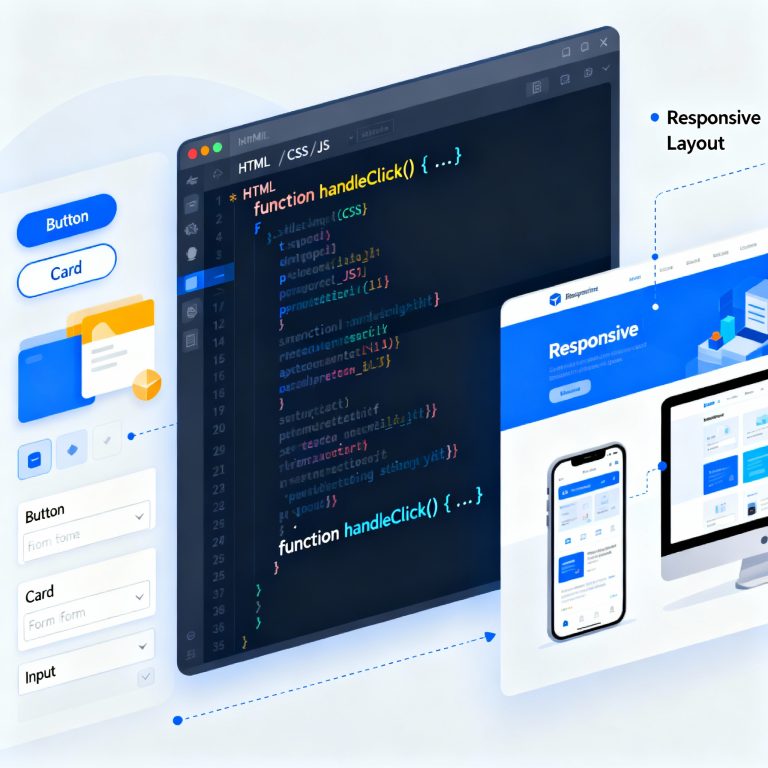
To become a successful frontend developer, master these three building blocks:
-
HTML (Structure)
Defines the skeleton of a website using tags and elements. Example: headings, images, and links. -
CSS (Styling)
Controls colors, fonts, and layout. Frameworks like Tailwind CSS and Bootstrap simplify this process. -
JavaScript (Interactivity)
Adds logic and animations. In 2025, frameworks like React.js, Vue.js, and Next.js are industry favorites.
Learn these three deeply, then move to advanced topics like APIs, TypeScript, and Performance Optimization.
Frontend Developer Tools in 2025
Frontend developers rely on tools that enhance efficiency and quality:
-
VS Code: Code editor with built-in extensions for HTML/CSS/JS.
-
Git & GitHub: Manage versions and collaborate with teams.
-
Figma: Understand design prototypes.
-
Chrome DevTools: Debug and test performance.
-
Node.js: Run tools and frameworks locally.
MDN Web Docs on HTML — a trusted resource to strengthen your fundamentals.
Frontend Developer Roadmap
Follow this 7-step roadmap to become a frontend developer:
-
Learn Basics: HTML, CSS, JS.
-
Build Mini Projects: Portfolio, calculator, or to-do app.
-
Learn Frameworks: React.js or Vue.js.
-
Understand Version Control: Git and GitHub.
-
Responsive Design: Make your site mobile-friendly.
-
Deploy Projects: Use Netlify or Vercel.
-
Build a Portfolio Website: Showcase your best work online.
Career Growth and Salary
| Role | Experience | Salary (India) |
|---|---|---|
| Junior Frontend Developer | 0–2 years | ₹4–6 LPA |
| Frontend Engineer | 2–5 years | ₹6–10 LPA |
| React Developer | 3–6 years | ₹8–15 LPA |
| Frontend Architect | 6+ years | ₹15–25 LPA |
The more frameworks and tools you master, the higher your value in the market.
Common Mistakes Beginners Should Avoid
-
Ignoring responsive design
-
Overusing frameworks without strong fundamentals
-
Skipping Git version control
-
Not learning debugging tools
-
Not optimizing performance
Future of Frontend Development
In 2025, AI tools, WebAssembly, and Progressive Web Apps (PWA) are shaping the future. Frontend developers who stay updated with these trends will continue to be in high demand.
Conclusion
Becoming a frontend developer in 2025 is an incredible opportunity. It’s a mix of creativity, logic, and design. Learn the fundamentals, build projects, and continuously update your skills. Whether you work for a company or freelance, the demand for skilled frontend developers isn’t going anywhere.
FAQs
-
Is frontend development beginner-friendly?
Yes, you can start with HTML, CSS, and JS even without prior coding experience. -
Which framework should I learn first?
React.js — it’s the most popular in 2025. -
Do I need a degree to become a frontend developer?
No, skill and portfolio matter more than degrees. -
How can I improve my frontend skills?
Build projects, contribute to open source, and follow tutorials. -
What is the difference between frontend and backend?
Frontend deals with visuals; backend handles logic and databases. -
Can AI replace frontend developers?
No, AI assists — but creativity and user experience still need humans.