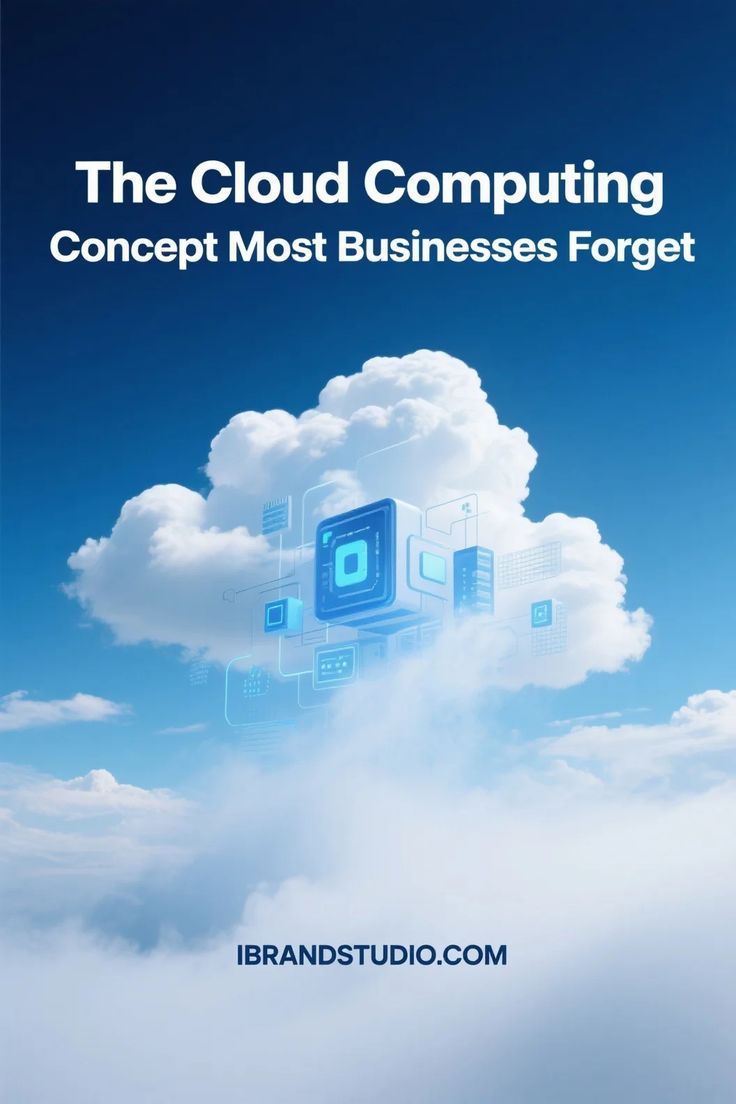
How Cloud Computing Helps Businesses Reduce Costs and Improve Efficiency
Think back to the early days of setting up a business. If you wanted to run a professional operation, your office required a dedicated, locked room down the hallway. Inside that room, a massive, noisy server rack buzzed away 24/7, generating heat, eating up electricity, and demanding constant attention. You had to pay an IT consultant thousands of dollars just to set it up, and if a hard drive crashed at 2:00 AM on a Sunday, your entire business ground to a halt until Monday morning.
For decades, owning and managing physical hardware was simply the tax you paid to play the game of modern business.
But if you look at the most successful, agile companies thriving today, that noisy server room has completely vanished. It hasn’t been replaced by a bigger machine; it has evaporated into the cloud.
Cloud computing has fundamentally rewritten the rules of corporate economics. It has transformed IT infrastructure from a rigid, expensive, and stressful capital burden into a fluid, on-demand utility—much like electricity or water. Let’s dive deep into the practical, human reality of how shifting to the cloud slashes business expenses, unlocks massive operational efficiency, and how your enterprise can maximize these benefits.
1. The Financial Paradigm Shift: CapEx vs. OpEx
To understand how the cloud cuts costs, we have to look past the technology and look at the accounting ledger. Traditional IT infrastructure relies heavily on Capital Expenditure (CapEx). The cloud flips this model entirely into Operational Expenditure (OpEx).
[Traditional IT (CapEx)] ──> Massive Upfront Cash ──> Rigid Servers ──> High Maintenance Costs [Cloud Computing (OpEx)] ──> Zero Upfront Cash ──> Scale On-Demand ──> Pay Only for What You UseThe Heavy Burden of Over-Provisioning
When you buy physical servers, you have to build for your absolute worst-case scenario. If you are an e-commerce business that gets 90% of your traffic during the holiday rush, you have to buy enough physical hardware to handle that peak load. That means for the other 11 months of the year, 80% of your expensive server power sits completely idle, collecting dust and draining your bank account.
The Pay-As-You-Go Freedom
Cloud computing completely eliminates this waste. If your traffic spikes on Black Friday, the cloud dynamically scales up your processing capacity within seconds to handle the rush. The moment the rush ends, the system automatically scales back down. You pay only for the exact computing units you consumed during those specific hours.
2. Direct Ways the Cloud Cuts Business Expenses
Let’s look at the concrete, unmistakable ways moving to the cloud preserves your cash flow:
Elimination of Hardware Life Cycles
Physical servers don’t last forever. They overheat, degrade, and become obsolete every three to five years. When you migrate to the cloud, the burden of buying, maintaining, and upgrading physical hardware shifts entirely to cloud giants (like AWS, Microsoft Azure, or Google Cloud). You never have to write a massive check for server replacements ever again.
Drastic Reductions in Energy and Real Estate
Physical servers are gluttons for electricity. They require constant power to run and massive, industrial-grade cooling systems to keep from overheating. Additionally, dedicating office square footage to store server racks chips away at your commercial real estate budget. The cloud completely erases these utility overheads from your monthly bills.
Minimizing Emergency IT Consulting Fees
When your internal physical network breaks down, repairing it requires emergency calls to specialized hardware engineers who charge astronomical hourly rates. Cloud providers guarantee up to 99.99% uptime backed by strict Service Level Agreements (SLAs). Their world-class engineering teams are monitoring the infrastructure around the clock, saving you from costly emergency repairs.
3. Supercharging Operational Efficiency
While saving money is fantastic, the true superpower of cloud computing is how it accelerates your daily business velocity. It clears away the administrative and technical friction that slows your team down.
True Global Collaboration and Borderless Work
Before the cloud, if an employee needed a critical corporate file, they had to be physically sitting at their office desk or wrestling with a slow, frustrating VPN connection.
Today, the cloud acts as a single, unfragmented source of truth. Whether your team members are collaborating from a corporate headquarters, a home office, or a coffee shop halfway across the world, they can securely access, edit, and share real-time data simultaneously.
The Speed of Innovation (Zero Deployment Drag)
In a traditional setup, if your development team wants to test a brilliant new software feature or launch a creative marketing campaign micro-site, they have to wait weeks for the IT department to manually configure a testing environment.
In the cloud, developers can spin up sandboxed testing environments with a few clicks. If the project succeeds, it can go live globally in minutes. If it fails, the environment is torn down instantly without wasting a single dime of capital. This speed allows small businesses to out-maneuver massive, slow-moving competitors.
4. Operational Trade-offs: A Balanced Reality Check
| Efficiency Factor | Traditional On-Premise IT | Cloud Computing Ecosystems |
| Deployment Time | Weeks to months (Ordering, wiring, configuring) | Immediate (On-demand virtual provisioning) |
| Disaster Recovery | High risk (Requires manual backup drives) | Automatic (Continuous geo-redundant replication) |
| System Maintenance | Internal team handles patches, fixes, and updates | Handled automatically by the provider |
| Data Mobility | Low (Tethered to physical locations/VPNs) | High (Secure access from any approved device) |
5. Security, Resilience, and Disaster Recovery
A lingering, human fear among many business owners is: “If my data isn’t physically sitting in a box inside my building, is it truly safe?” The reality is that your data is significantly safer in a tier-one cloud data center than it is on a server in your office closet. Small business server rooms are vulnerable to local power surges, bursting water pipes, physical theft, and basic office fires.
Automated, Geo-Redundant Backups
If a natural disaster hits your physical office, your local backups could be wiped out instantly. Cloud computing utilizes geo-redundancy. Your data is encrypted and mirrored across multiple geographically isolated data centers. If one facility encounters an issue, another instantly steps in to keep your applications running smoothly without losing a single line of customer data.
Enterprise-Grade Security for Everyone
Major cloud providers invest billions of dollars annually into cyber security defenses. They employ top-tier cryptography experts and maintain rigorous compliance standards (like ISO, GDPR, and SOC 2). By hosting your workflows in the cloud, your business instantly inherits this world-class security posture—giving you peace of mind that would be financially impossible to replicate on your own.
6. How to Start Your Cloud Migration Journey Intentionally
If you are ready to transition your operations to the cloud, do not try to migrate your entire corporate architecture in a single day. Take a measured, step-by-step approach.
Step 1: Low-Risk Assets ➔ Step 2: Core Workflows ➔ Step 3: Cloud-Native OptimizationStep 1: Migrate Low-Risk Assets First
Begin your migration by moving basic, non-critical collaborative tools to the cloud. Shift your corporate email, team document collaboration, and file storage over to reliable platforms like Google Workspace or Microsoft 365. Let your team get accustomed to the rhythm of cloud workflows.
Step 2: Transition Core Workflows and Applications
Once your team is comfortable, begin moving your primary business tools. Transition your customer relationship management (CRM) systems, project management boards, and financial accounting ledgers to cloud-based SaaS platforms.
Step 3: Optimize and Monitor
As your footprint grows, assign a team member to regularly monitor your cloud consumption dashboards. Clean up idle resources, adjust your storage tiers, and ensure you are taking full advantage of pay-as-you-go pricing models to keep your infrastructure lean and highly efficient.
Conclusion: The Horizon Belongs to the Agile Enterprise
Ultimately, shifting to cloud computing isn’t about chasing a modern tech trend. It is a fundamental commitment to operational agility, financial intelligence, and business resilience.
By offloading the heavy, stressful burden of managing physical hardware, you free your organization from unnecessary capital drains and administrative bottlenecks. You give your team the freedom to collaborate seamlessly from anywhere on the planet, protect your vital data with enterprise-grade security, and focus your energy entirely on what matters most: innovating, serving your clients, and growing your brand.
Why Every Small Business Needs a Digital Transformation Strategy